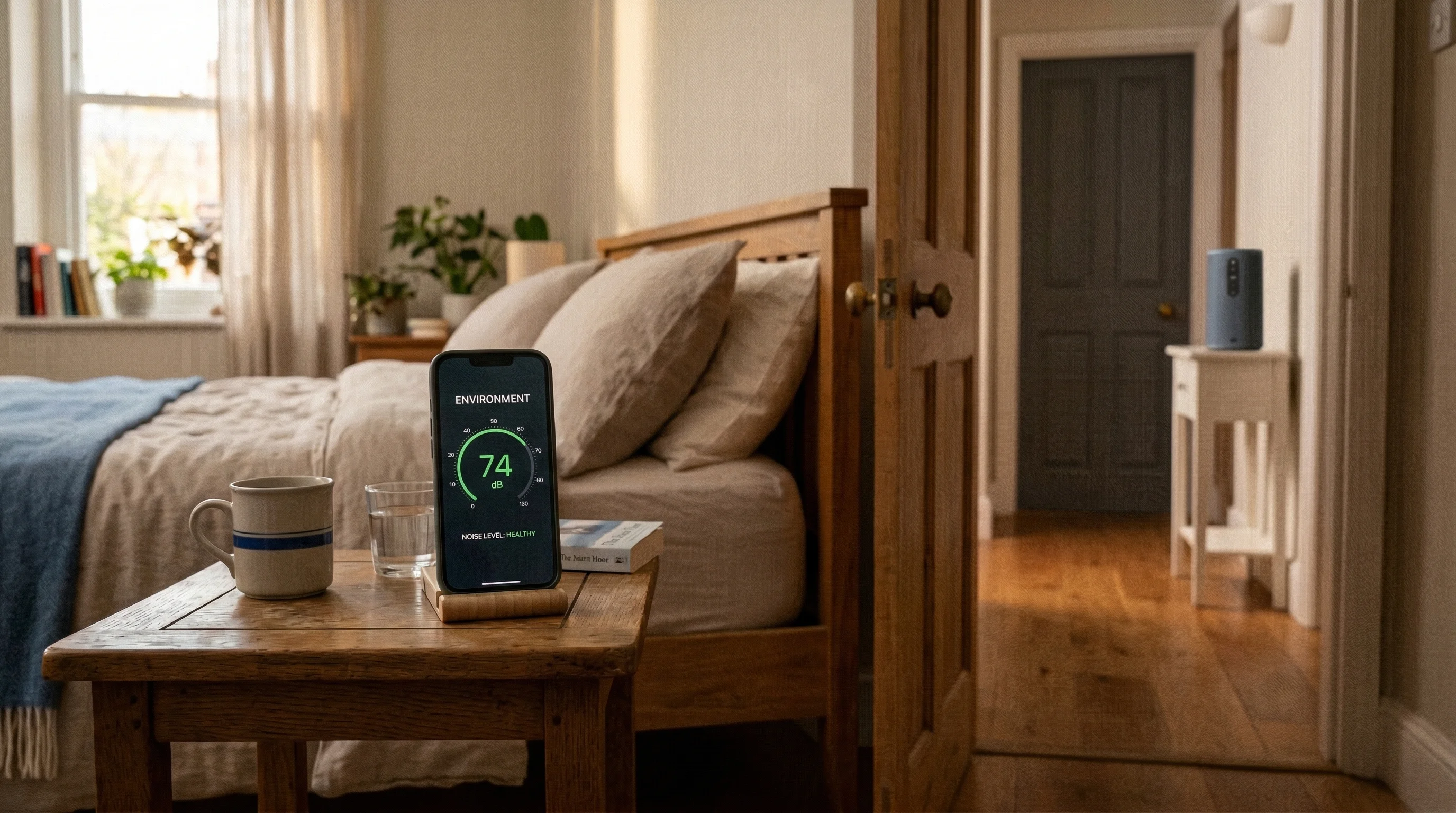
Measure your soundproofing
with your iPhone
QuietScore plays test tones through a Bluetooth or AirPlay speaker on one side of a wall or door, then measures what gets through on your side. You get a sound isolation score in minutes — no expensive equipment needed.
How it works
1
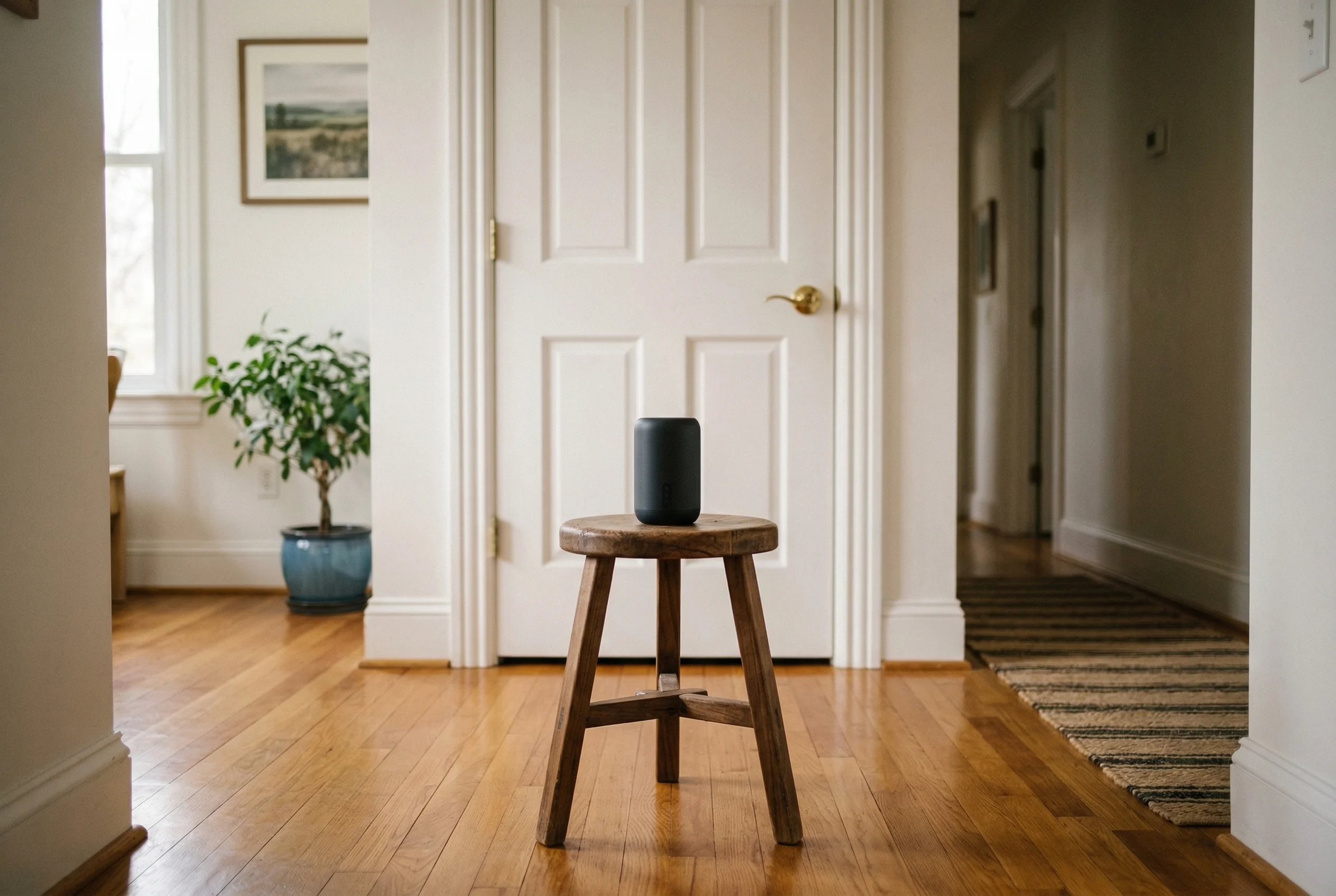
Place the speaker
Put a Bluetooth or AirPlay speaker inside the room you want to measure. Connect it to your iPhone.
2
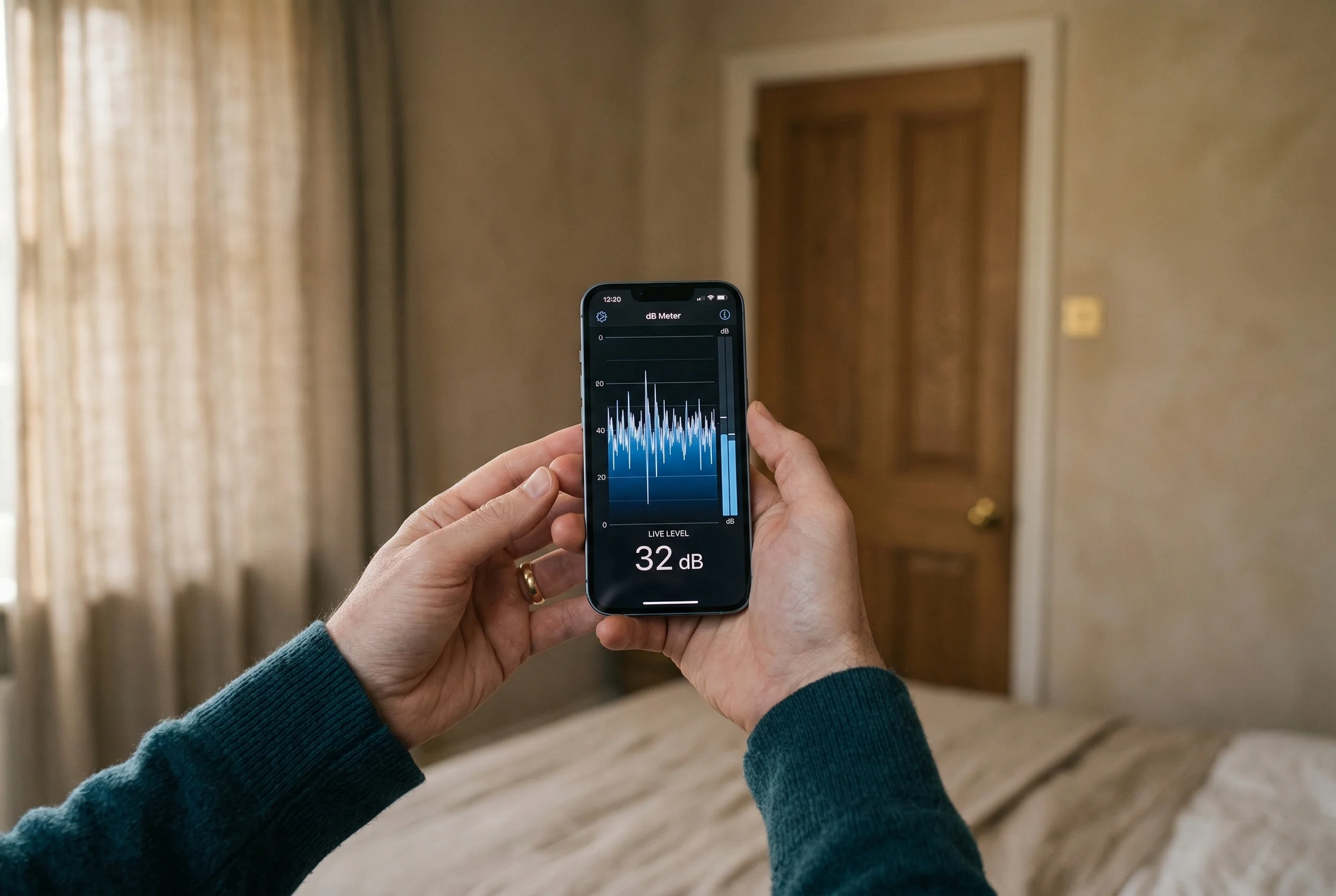
Run the test
QuietScore plays a frequency sweep and measures the sound level on both sides. Stay still for about 30 seconds.
3
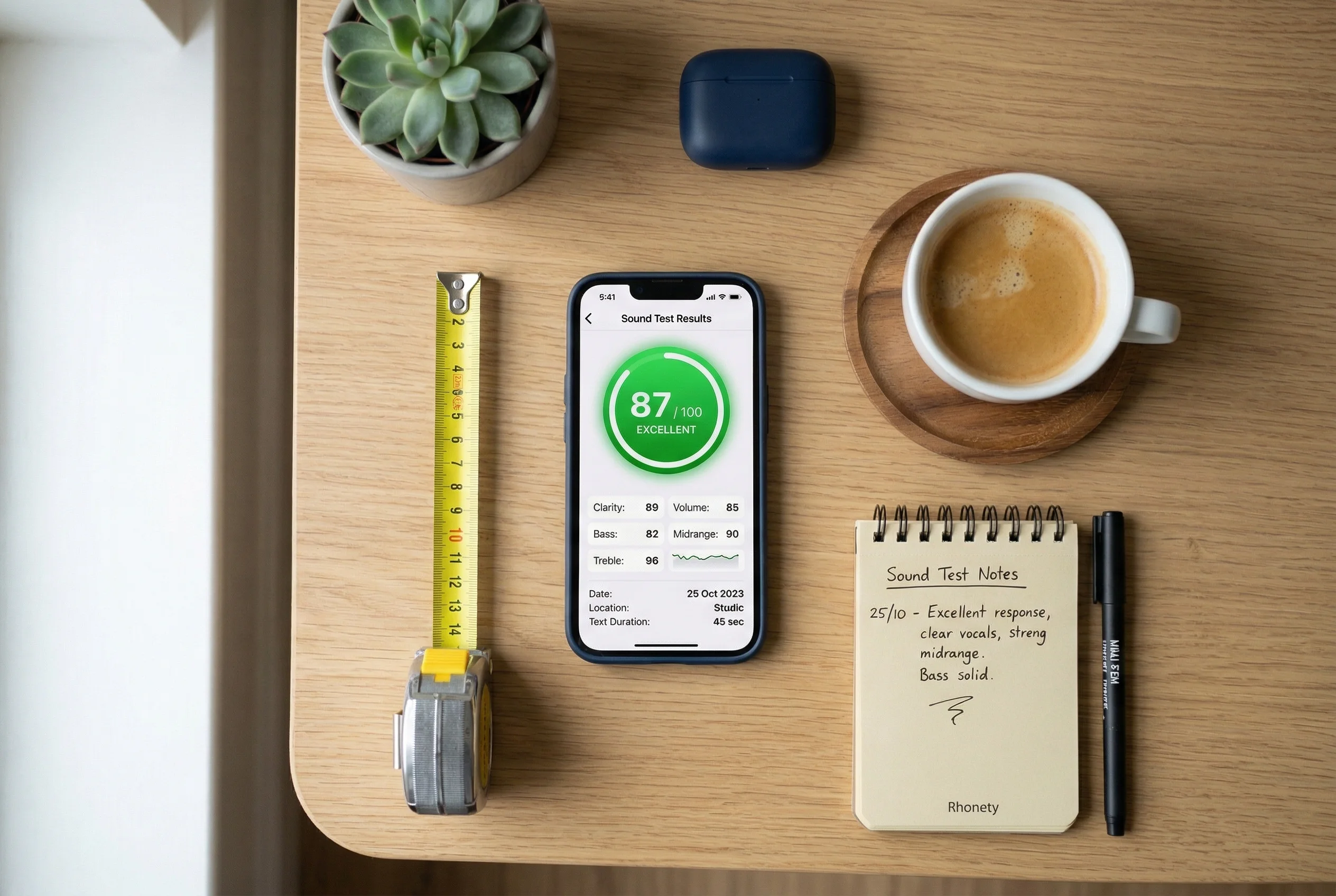
Get your score
See how well your barrier blocks sound across frequencies. Compare to professional STC ratings and get improvement suggestions.
Requires iPhone with iOS 26 or later and a Bluetooth or AirPlay speaker